
How to add Paralax effect (Blocks/Containers)
To add a parallax effect to a block or container, click the 'Block' button when you are on top of a block in your site.

That will open the settings of the whole block, you can select an image for the background and click on the checkbox: 'Parallax Effect' that will enable the parallax for that image and block.
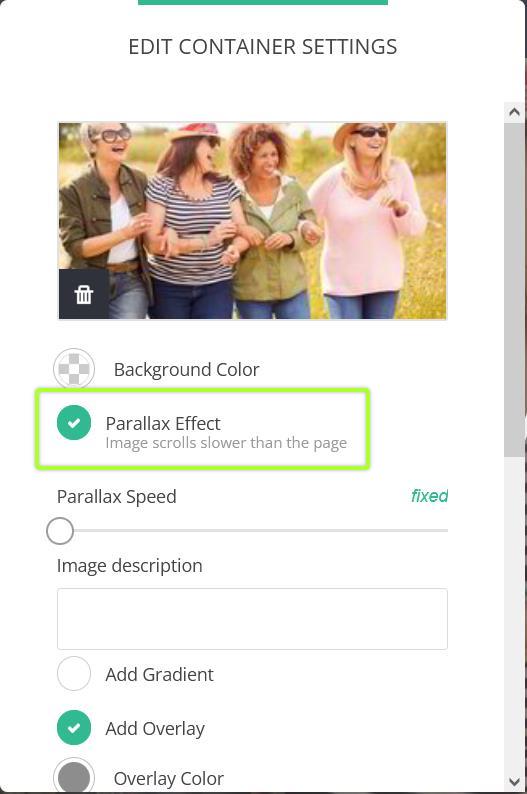
You have the option for Parallax Speed and Image Description for SEO purposes.